











The Bikosport app brings sports betting to your phone without tying you to a desktop browser. You can check odds, follow live events, place bets, and manage your account from one mobile interface. This page explains how to find the official file, install it, and use the browser option on iPhone.
Why Use the Mobile App
The mobile app can load more efficiently than a full browser page on a slow or changing connection, which is useful when data speeds vary. Odds can refresh during live events, while enabled notifications may alert you when a match starts or a bet is settled. You should still confirm the current odds and bet details before placing a wager.
Account tools are available from the same interface. Depending on the service options available to your account, you can review your balance, check bet history, update profile details, and manage betting activity without moving to a desktop. Use a private connection where possible, especially when entering account or payment information.
How to Download the Bikosport App
Open bikosport-tz.com in your phone browser and use the download section on the official site. If an APK is offered, save it directly from that page rather than using a third-party mirror. Files shared through unofficial app stores, chat groups, or social media may be outdated or modified.
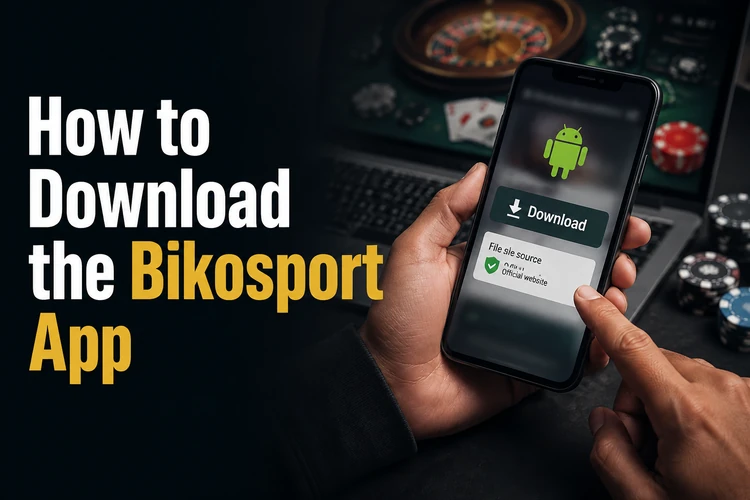
- Step 1: Open bikosport-tz.com in a mobile browser.
- Step 2: Locate the app download section on the page.
- Step 3: Tap the download button and wait for the APK to finish saving.
- Step 4: Open your file manager and find the downloaded file.
- Step 5: Tap the file, review the installation prompt, and follow the instructions.
- Step 6: Open the installed app and sign in to your existing account.
Installing on Android
Android is the main platform for an APK installation. Compatibility depends on the phone model, Android version, available storage, and the file supplied by the site. Before starting, charge the phone if necessary and keep enough free space for both the download and installation process.
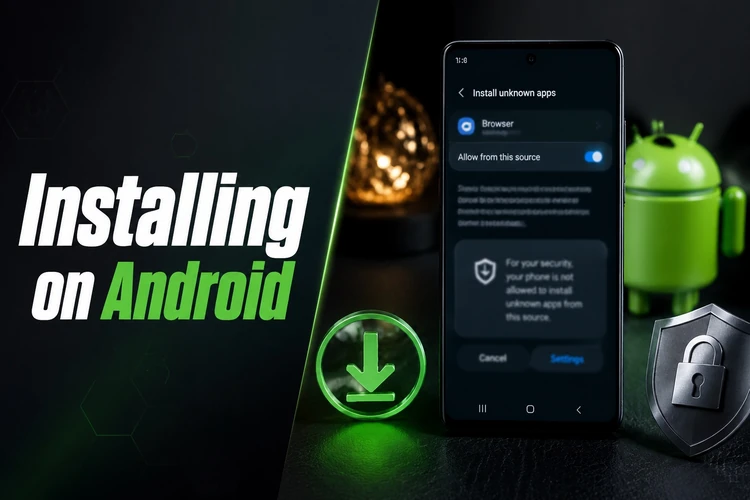
Because an APK is installed outside the Google Play Store, Android may ask for permission to install from that browser or file manager. The exact menu name differs by manufacturer, so approve the permission only for the app handling this file and switch it off again afterward if you do not need it. Do not ignore a security warning: first confirm that the file came from the official site. If installation fails, check storage, remove an incomplete download, and try again. Future updates should also come from the official download page and can normally be installed over the existing version.
Using Bikosport on iPhone
APK files cannot be installed on an iPhone or iPad. The practical option is to open bikosport-tz.com in Safari or Chrome and use the mobile browser version. The page should adapt to the smaller screen, and you can add it to the home screen for quicker access.
The browser experience may differ from Android in areas such as notifications or the way a page opens, so check that the connection is stable before placing a bet. The same account details can be used when the service is accessed through the web interface.
What an APK File Is
APK stands for Android Package Kit. It is the file format used to install an application on Android outside the Play Store. An APK can be useful when a service distributes its Android version directly through its website, but it also requires more care than installing from a verified app store.
The file format itself does not prove that an app is safe. Source and integrity matter more. Download only from the official Bikosport site, avoid modified versions, and do not enter account details into an app that shows unexpected pop-ups or requests unrelated permissions. Keep the original download page available so you know where to obtain later updates.
Main Features Inside the App
The app supports pre-match and live sports betting, with football, basketball, and other sports presented according to the markets available at the time. The live area can show scores and changing odds as play progresses. Review the event, market, selection, odds, and stake before confirming a bet.
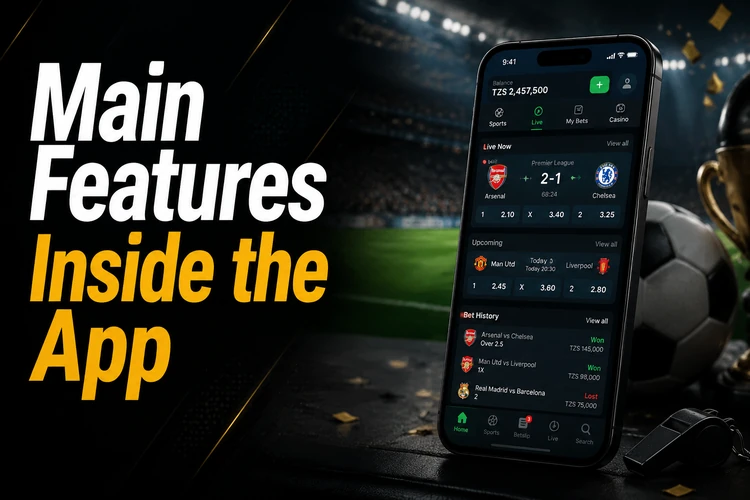
Your balance, open bets, settled bets, and history can be checked from the account area. Keep login details private and avoid saving them on a shared phone. You can log in to your account on the web when you prefer a browser, using the credentials associated with your account.
Safety Tips Before You Install
Download only from bikosport-tz.com, not from unofficial app stores or files sent by strangers. Check the domain carefully before tapping a download control, and do not install a file that arrives unexpectedly. Keep your phone's operating system, browser, and security tools updated.
Install updates from the same official source and remove old or incomplete files from your downloads folder. Use a strong, unique password and avoid signing in over an unsecured public network. If betting starts to feel difficult to control, review the responsible gambling guidance and set limits that suit your circumstances.
FAQ
Open bikosport-tz.com in your phone browser, go to the download section, and save the APK if an Android file is provided. Then open it from your downloads folder and follow the installation prompts.
Yes, Android can install an APK from outside the Play Store. You may need to allow installation for the browser or file manager that opened the file. Use the permission only when needed and confirm the file source first.
The app itself costs nothing to download or install. Any money spent on betting comes from activity in your account, so review the stake and available balance before confirming a bet.
An APK cannot run on iPhone or iPad. Instead, open bikosport-tz.com in Safari or Chrome and use the mobile browser version; you can add the page to your home screen for quicker access.
Return to the official download page, save the newest APK, and install it over the existing version if your phone permits. Avoid old copies and unofficial modified files. Check your account after updating to confirm that the app opens normally.
Check that the download completed, that your phone has enough free storage, and that installation permission is enabled for the relevant browser or file manager. If the warning continues, delete the file and download it again from the official site rather than disabling security protections.